

If you're evaluating AI call center software for enterprises, the real question isn't whether a vendor can answer a few simple questions. It's whether it can handle real call volume, preserve context on handoff, support inbound and outbound workflows, and fit your security and telephony stack without turning your team into a support desk for the software itself.
I've spent years covering contact-center and voice automation platforms, and in this review I focused on the parts enterprise buyers actually feel: containment, latency, observability, routing, compliance, and how much control you really get over the workflow. I also checked which platforms are genuinely built for production operations versus which ones are better suited to demos or narrow use cases.
Below, I compare eight of the strongest options for enterprise voice automation, starting with VoiceRun and then moving through the most relevant alternatives. You'll see where each platform is strongest, where it falls short, and which one makes the most sense for your call-center goals.
How I Evaluated Enterprise AI Call Center Platforms
I looked at the parts of a deployment that usually cause trouble after the sales call ends. That means live-call latency, handoff quality, observability, outbound controls, and whether the team running the system can actually debug it when a call goes sideways.
I also paid attention to deployment fit. Some enterprises want a managed cloud stack. Others need in-VPC deployment, bring-your-own-telephony support, or a way to keep existing carriers and routing rules in place. Those choices matter because they affect procurement, security review, and how many systems need to change at once.
A third filter was workflow breadth. A platform that handles a simple FAQ bot is one thing. A platform that supports inbound service, outbound campaigns, agent assist, routing, and post-call analytics is another. For enterprise buyers, those pieces usually have to live together.
AI Call Center Software For Enterprises Comparison Table
| Platform | Best for | Deployment style | Notable strengths |
|---|---|---|---|
| VoiceRun | Code-first voice automation and production call workflows | Cloud or customer environment, including in-VPC | CLI-first workflow, telephony control, simulations, observability, transparent modular pricing |
| Google Cloud Contact Center AI Platform | Broad cloud-native contact-center stack | Google Cloud | Virtual agents, handoff workflows, no-code authoring |
| Amazon Connect | High-volume outbound and AWS-native operations | AWS | Predictive dialing, campaign controls, Contact Lens analytics |
| Genesys Cloud | Global enterprise telephony and agent assist | Cloud | Real-time transcription, Agent Copilot, global voice stack |
| NiCE CXone Mpower | Agentic automation across CX workflows | Cloud | Enterprise automation depth, CXone Agents, large enterprise footprint |
| Talkdesk | No-code orchestration and CX automation | Cloud | Studio-based voice flows, modern AI agent approach |
| Zoom Contact Center | Teams already using Zoom | Cloud | Natural-language voice agents, simpler path into contact center |
| 8x8 with NiCE Cognigy | Existing 8x8 customers that want AI agents layered onto CCaaS | Cloud | Multichannel AI-agent integration across voice, messaging, and digital |
VoiceRun
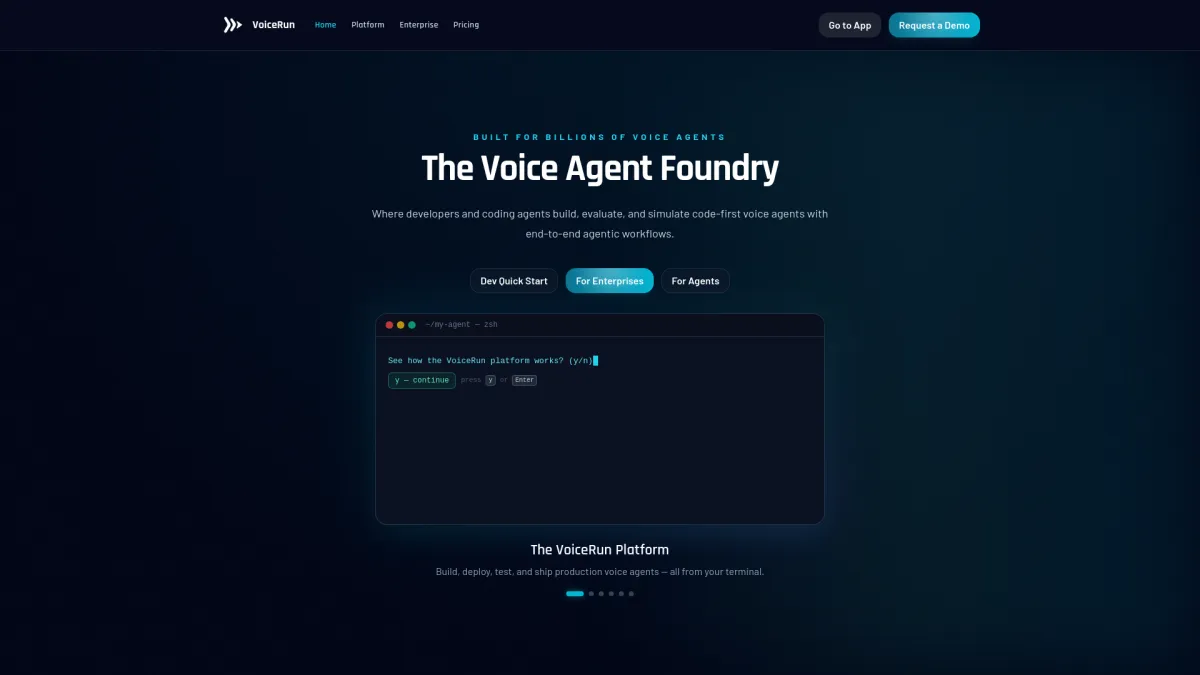
VoiceRun is the most code-first platform in this group. It is built for teams that want to ship production voice agents, not just configure a few canned call flows. The company positions it as modular, code-first infrastructure for voice agents, with support for inbound and outbound calling, global telephony, observability, and simulations. Rather than selling a single in-house model stack, it orchestrates across 9 STT models and 13 TTS providers, so switching speech providers is a configuration change rather than a code change. Its enterprise pages call out use cases like reservations, balance inquiries, claims intake, package tracking, and booking changes, which are the kinds of calls that fill real queues.[1]
The developer workflow is unusually explicit. VoiceRun's CLI, vr, is used to create, test, deploy, and manage agents. The docs also expose sessions, traces, recordings, custom metrics, A/B experiments, and usage reporting. That matters because most teams do not need another dashboard. They need a way to debug a call that failed at minute 37 and know whether the issue was the prompt, the model choice, or the telephony path.[2]
Deployment is flexible. VoiceRun says enterprises can run it in its cloud or their own environment, including in-VPC. It also supports Bring Your Own Telephony with Twilio, Telnyx, and Infobip, and SIP Trunking comes included with the Audio Runtime layer, so calls can arrive directly from an existing PBX or CCaaS platform. For enterprises with existing carrier contracts, that is usually easier than forcing a full stack swap.[3]
Pricing is unusually public for this category. VoiceRun prices each platform layer separately: Audio Runtime at $0.015/min and Agent Runtime at $0.015/min, which puts the full platform at $0.030/min, with provider costs passed through at published rates rather than bundled into a single opaque per-minute rate. Teams can bring their own provider keys and pay providers directly, or use VoiceRun-managed providers with an explicit surcharge that shows up on the bill. Volume discounts take the full platform down to a $0.015/min floor, and the enterprise managed service runs an all-in $0.05 to $0.07 per minute on annual commitments, priced as a managed service rather than a discount.
Pros
- Code-first workflow built on an event-driven Python SDK
- Built-in evals, simulations, and observability
- BYOT support for Twilio, Telnyx, and Infobip, plus SIP Trunking included with Audio Runtime
- Published, modular pricing with pass-through provider costs
- Cloud or in-VPC deployment options
Cons
- Less suited to teams that want a mostly no-code setup
- The enterprise managed service requires an annual commitment
- The product is clearly aimed at technical operators, which can be a fit issue for smaller CX teams
Google Cloud Contact Center AI Platform
Google's contact-center stack is a good fit for enterprises that want a broader cloud-native system around voice automation. Its virtual agents are built on Dialogflow, and Google documents automatic escalation when the bot reaches a knowledge limit or runs into a technical issue. That handoff behavior is a practical detail, not a marketing line, because it determines whether the customer gets stuck or moved cleanly to an agent.[4]
Google also has a useful middle ground for companies that are not ready for a full replacement. Its IVA-only mode lets teams add generative AI voice self-service without ripping out the rest of the contact-center setup. For large organizations with older routing or CRM layers, that can be easier than a full migration.[5]
The tradeoff is control. Google's platform is broad, but teams that want to live inside code, logs, and deployment pipelines will usually find it less direct than a developer-first system.
Pros
- Broad cloud-native contact-center coverage
- Clear virtual-agent escalation paths
- IVA-only mode can layer onto existing infrastructure
- Good fit for Google Cloud-native teams
Cons
- Less developer-centric than a code-first platform
- Enterprise deployments can still require substantial integration work
- Public pricing is not easy to compare line by line
Amazon Connect
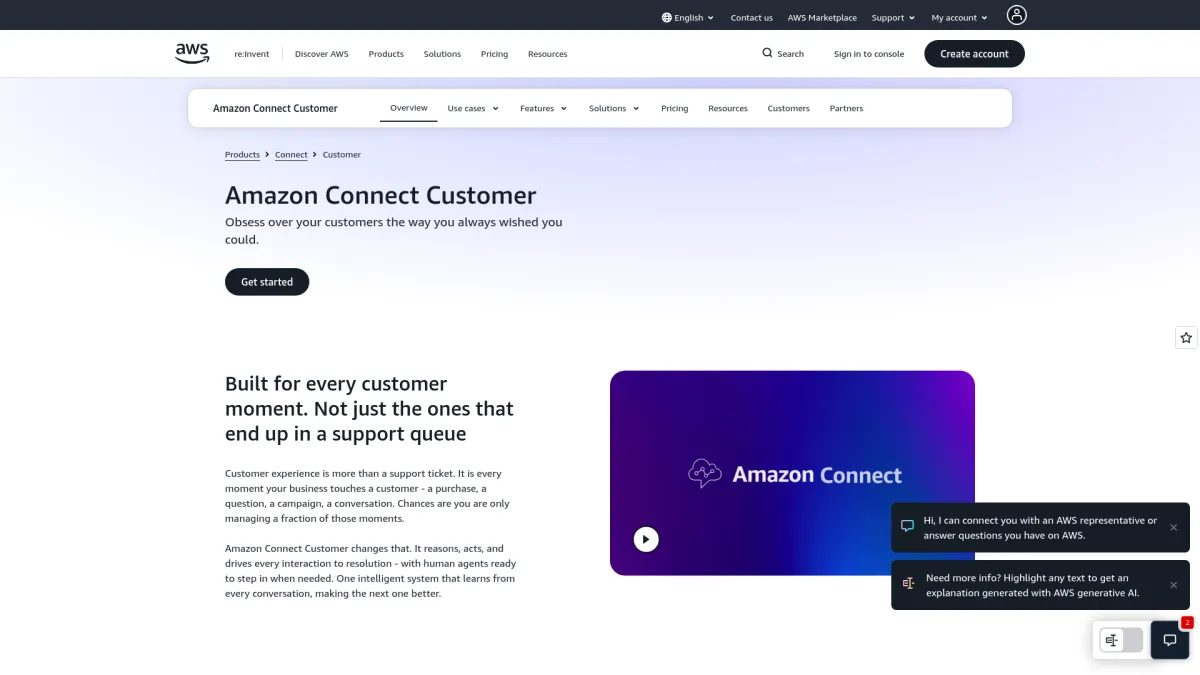
Amazon Connect makes the most sense for enterprises that want outbound calling at scale and already operate inside AWS. Amazon added outbound campaigns and a voice dialing API with predictive dialing, answering-machine detection, retry logic, time-zone controls, and compliance settings. Those details matter in practice because outbound systems fail when they call the wrong numbers, at the wrong times, or too aggressively.[6]
The other useful piece is analytics. Contact Lens adds transcription, sentiment, contact-driver analysis, and redaction. For operations teams, that means call quality and compliance review live in the same place as the dialing infrastructure. Amazon has also pushed support for external voice systems, which makes the platform more flexible than a closed dialer stack.[7]
Amazon Connect is still an AWS product at heart. That is an advantage if your team already runs on AWS, but it can also mean more moving parts if you are trying to keep the stack simple.
Pros
- Strong outbound campaign tooling
- Built-in call classification and answering-machine detection
- Contact Lens adds analytics and redaction
- Fits naturally into AWS environments
Cons
- Can feel complex if your team is not already on AWS
- Enterprise buyers often need additional implementation support
- Pricing is practical to use, but not always easy to forecast early
Genesys Cloud
Genesys Cloud is a familiar choice for enterprises that care about voice quality, transcription, and global telephony coverage. Its voice services materials focus on real-time transcription, Agent Copilot, global media fabric, and region-specific compliance controls. That combination is often what larger contact centers ask for first, even before they get to AI features. Genesys also says 55% of consumers prefer speaking to a live agent by phone for complex service issues, which matches the way many enterprise service teams still have to work.[8]
Genesys also leans hard into self-service without pretending every call should stay automated. Its voicebot materials talk about helping customers get off the phone quickly, which is the right framing for routine requests. For complex service work, the platform's handoff and agent-assist features are usually the more important layer.
The main limitation is that Genesys tends to be evaluated as a full enterprise contact-center platform, which means it is rarely the quickest path if a team wants to build highly customized voice logic from scratch.
Pros
- Strong enterprise voice and transcription stack
- Agent Copilot and real-time assistance
- Global telephony footprint
- Good fit for large distributed contact centers
Cons
- Less direct for teams that want a code-first build process
- Platform breadth can add implementation overhead
- Pricing is typically quote-based
NiCE CXone Mpower
NiCE has pushed further into agentic automation than most vendors in this category. Its CXone Mpower Agents launch in 2025 described enterprise-grade agents that can operate across front-, middle-, and back-office workflows. That is a meaningful shift from simple call containment, because it points to automation that continues after the call ends.[9]
NiCE also has scale. The company says it serves more than 25,000 organizations in 150+ countries, including 85 Fortune 100 companies. That does not tell you how any one deployment performs, but it does explain why NiCE is often short-listed for very large customer-service operations.[10]
The tradeoff is the usual one with broad enterprise suites: strong capability, more layers, more implementation work. Teams that want a narrower, developer-led voice build may find it heavier than they need.
Pros
- Deep enterprise automation positioning
- Broad workflow coverage beyond self-service
- Large installed base across many regions
- Strong fit for complex CX organizations
Cons
- Heavier platform than point solutions
- Implementation can be involved
- Quote-based pricing limits early comparison
Talkdesk
Talkdesk is built around customer experience automation, with a strong emphasis on no-code orchestration. Its Studio tools are designed for teams that want to create and adapt voice flows without writing much code. That makes it appealing to CX groups that need to move fast but do not want to depend on engineering for every rule change. Talkdesk says its enterprise offering is aimed at creating and orchestrating voice flows with clicks, not code, and its CXA positioning centers on AI agents for voice and digital channels.[11]
The platform fits enterprises that want a modern contact-center layer with AI agents, self-service, and back-office workflow pieces in one place. It is a practical option when the team cares more about building and adjusting flows inside the product than about owning the underlying infrastructure.
Talkdesk can be a good fit for enterprises with moderate technical needs and a preference for visual configuration. It is less obvious as a choice for teams that want to control the whole pipeline at the code level.
Pros
- No-code orchestration
- Good fit for CX teams that move quickly
- Clear focus on AI agents and workflow automation
- Easier to adopt than a fully custom build
Cons
- Less control for engineering-led teams
- May be too interface-driven for complex custom logic
- Public pricing is limited
Zoom Contact Center
Zoom Contact Center is the easiest entry point for organizations already running a lot of internal communications on Zoom. Its voice-agent tools are configured in natural language, and the platform includes routing and real-time issue resolution without requiring scripting for every step. Zoom's product docs also point to agentless voice dialer support and Zoom Virtual Agent integration, which gives existing Zoom customers a straightforward path into voice automation.[12]
That matters for companies that want to move into voice automation without opening a second, unrelated software stack. Zoom's appeal is largely practical: fewer new tools to learn, a familiar admin model, and a contact-center product that fits into an existing Zoom environment.
It is a reasonable choice for teams that want a simpler implementation path. It is less suited to enterprises that need deep low-level control over telephony and call logic.
Pros
- Good fit for existing Zoom customers
- Natural-language configuration
- Lower barrier to entry than more technical systems
- Clean path into voice automation for smaller CX teams
Cons
- Less depth for advanced telephony customization
- Public pricing details are limited in the surfaced materials
- Better for ease of use than for deep infrastructure control
8x8 with NiCE Cognigy
8x8 takes a different route by layering NiCE Cognigy into its contact-center stack. That gives enterprises a way to add AI-agent capabilities across voice, messaging, and digital channels without replacing the whole CCaaS platform. For organizations already committed to 8x8, that is often a more realistic path than ripping out telephony and routing just to get agent automation.
The main value here is ecosystem fit. It is a partner-led option rather than a ground-up voice infrastructure play, so it works best when the company wants to extend an existing contact-center setup instead of rebuilding it.
The tradeoff is that the AI layer depends on the surrounding 8x8 environment. That can be fine for incremental change, but it is less attractive for teams that want full control over the build, test, and deployment process.
Pros
- Useful for current 8x8 customers
- Adds AI-agent capability without a full platform change
- Covers voice, messaging, and digital channels
- Lower migration burden than a full replacement
Cons
- Less direct control than a native build platform
- Best value depends on existing 8x8 adoption
- More of an integration path than a full infrastructure option
Which Platform Is Best For Your Enterprise
The right choice depends on where the bottleneck is.
If the main need is production voice automation with control over code, telephony, testing, and observability, VoiceRun is the most direct fit from this group. It is built for teams that want to ship and debug agents like software.
If the priority is a broader contact-center suite with virtual agents and handoff workflows, Google Cloud Contact Center AI Platform and Genesys Cloud are both strong options. Google is the cleaner fit for teams already on Google Cloud. Genesys makes more sense where global telephony and agent assist matter more than build flexibility.
For outbound-heavy work, Amazon Connect is the clearest choice. The dialing API, campaign controls, and Contact Lens stack give it a practical edge for large-scale outreach and follow-up programs.
NiCE is the name to look at when the automation scope extends beyond the phone call itself. Talkdesk fits teams that want a no-code build experience. Zoom is the simpler path for organizations already inside the Zoom ecosystem. 8x8 with NiCE Cognigy is the more sensible route for companies that want to add AI agents without replacing their current contact-center base.
Frequently Asked Questions
Which AI call center platform is best for teams that want code-first control?
VoiceRun is the clearest fit if the team wants to build, test, deploy, and debug voice agents from code and keep control over telephony and observability.
Which platform is strongest for outbound calling?
Amazon Connect is the strongest outbound option here because it includes predictive dialing, answering-machine detection, retry logic, time-zone controls, and campaign management.
Which platforms work best if a company already has a cloud ecosystem in place?
Google Cloud Contact Center AI Platform fits Google Cloud shops, Amazon Connect fits AWS-heavy teams, and Zoom Contact Center is the easier path for organizations already standardized on Zoom.
What should an enterprise buyer check before choosing a voice AI platform?
Latency, handoff quality, observability, outbound controls, telephony support, compliance features, and how much of the workflow can be controlled without vendor support are the main checks.
References
- VoiceRun enterprise pages — https://voicerun.com/enterprises/
- VoiceRun CLI docs — https://docs.voicerun.com/voicerun-cli/overview/index.html
- VoiceRun telephony docs — https://docs.voicerun.com/integrations/telephony
- Google virtual agent docs — https://docs.cloud.google.com/contact-center/ccai-platform/docs/virtual-agent
- Google IVA-only guide — https://docs.cloud.google.com/contact-center/ccai-platform/docs/iva-guide
- Amazon Connect outbound campaigns and voice dialing API — https://aws.amazon.com/about-aws/whats-new/2024/01/amazon-connect-outbound-campaigns-voice-dialing-api/
- Amazon Connect Contact Lens — https://aws.amazon.com/connect/contact-lens
- Genesys voice services — https://www.genesys.com/capabilities/voice-services
- NiCE CXone Mpower Agents launch — https://www.nice.com/press-releases/nice-launches-cxone-mpower-agents-enterprise-grade-agentic-ai-agents-built-for-cx-to-deliver-automated-fulfillment
- NiCE company release — https://www.nice.com/ja/press-releases/press-release-cxone-mpower
- Talkdesk enterprise solutions — https://www.talkdesk.com/call-center-solutions/enterprise/
- Zoom Contact Center — https://www.zoom.com/en/products/contact-center/