
If your voice agent sounds fine in staging but breaks in production, you already know the real problem: you can't fix what you can't see. Missing transcripts, vague logs, and no turn-level timing make it hard to tell whether the issue is ASR, routing, tool calls, or latency. I've spent years covering this stack, and I tested and researched the leading platforms with one question in mind: which ones actually give teams the logs, traces, recordings, and operational visibility needed to debug live calls with confidence? This roundup compares nine options that matter for production teams, from developer-first agent platforms to infrastructure-layer visibility tools. I'll show where each one is strongest, where it falls short, and which setups make the most sense for different teams.
I also looked at how each product handles the boring parts that matter most in production: session filters, replay, per-turn timing, alerting, and what happens when a call needs to be traced back later by someone who was not on the original incident.
How I Evaluated These Voice Observability Platforms
I looked for tools that answer a call by call sequence: what the caller said, what the agent heard, what it decided, what happened next, and where time went. That meant logs alone were not enough. I wanted transcript playback, audio, traces, alerts, and enough metadata to follow a call turn by turn.
I also weighed whether observability is a side feature or part of the product model. Some platforms treat it as a dashboard layered on top of call handling. Others build it into the workflow, so debugging, replay, and monitoring sit next to deployment and testing. That difference matters when a team ships often and needs to inspect failures without jumping between systems.
A second filter was operational usefulness. If a tool can show a transcript but not the route a call took, it is limited. If it can send traces to another system, or generate issues when thresholds are crossed, it is easier to use in production. I gave more weight to products that make live-call debugging practical rather than theoretical.
Quick Comparison Of The Best Voice Observability Tools
| Platform | Best for | Logs | Traces | Replay | Alerts | Notes |
|---|---|---|---|---|---|---|
| VoiceRun | Code-first teams that want observability built into the agent workflow | Yes | Yes | Yes | Custom metrics, analytics | Sessions, recordings, transcripts, OTLP traces, and five per-turn latency metrics |
| Vapi | Teams that want monitoring as an operational loop | Yes | Yes, via integrations | Yes | Monitors, triggers, issues, Slack/email/webhooks | Separates system logs from call logs |
| Bland AI | Teams that want debugging plus hands-on triage | Yes | Partial | Yes | Quality reports, triage | Norm can inspect live state and replay calls |
| Retell AI | Teams using an integrated voice-agent stack | Some | Limited public detail | Unclear | Monitoring available | Public observability docs are thinner than the others |
| Twilio Voice Insights | Telephony and WebRTC visibility | Yes | Infrastructure-level | Limited | Quality analytics | Better for call quality than agent logic |
| Deepgram | Transcript verification against audio | Transcript-centric | Limited | Limited | Audio quality signals | Useful when ASR quality is the first thing to check |
| LiveKit | Custom real-time voice systems | Depends on implementation | Depends on implementation | Depends on implementation | Depends on implementation | Strong control, but more assembly work |
| Bluejay | AI-native teams that want simulation testing plus production call evals | Yes, searchable transcripts plus audio and tool-call data | OpenTelemetry trace support | Limited, replay-to-test not documented | Real-time threshold alerts, Slack | Skywatch evaluates every call with custom metrics plus hallucination and redundancy detectors |
| Future AGI | Evals and experimentation around existing call data | Depends on pipeline | Depends on pipeline | Limited | Experiment comparisons | Best as a companion layer, not the main console |
VoiceRun
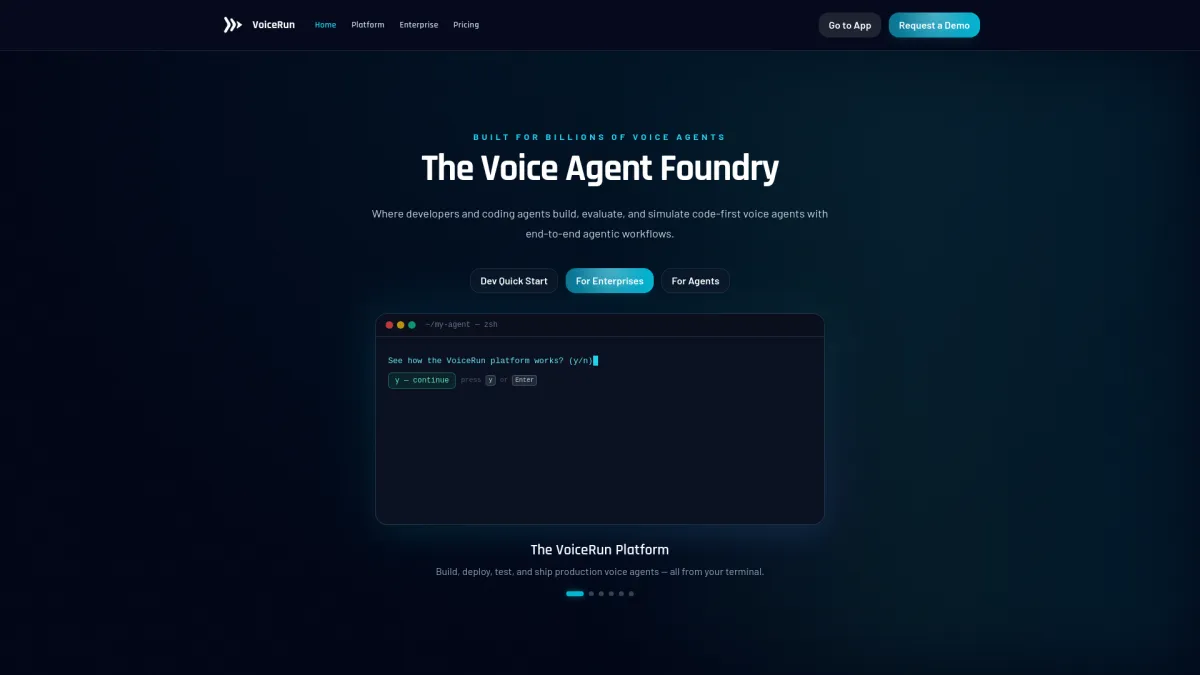
VoiceRun treats observability as part of the production workflow rather than a separate screen. Its platform says teams can centralize call logs, user turns, and outcomes, then use transcripts to analyze funnels and friction in code.[1] The observability docs add sessions, OTLP traces with span trees, recordings, transcripts, analytics, and session filters, which is the combination I look for when debugging live calls.[2]
The detail that matters most is turn-level latency. VoiceRun breaks this into Time to First Transcription, Time to First Speech Event, Time to First Audio, End-to-End Turn Taking, and Function Runtime.[3] In practice, that gives a cleaner way to separate a slow ASR step from a slow tool call or a sluggish response generator. The pricing page also makes the cost model explicit, which is rare in this category: the platform is priced per layer — Audio Runtime at $0.015/min and Agent Runtime at $0.015/min, or $0.030/min for the full platform — with provider costs passed through at published rates (or bring your own keys and pay providers directly), and stored recordings, transcripts, traces, and logs metered at $0.025 per GiB/month.[4]
Pros
- Sessions, traces, recordings, transcripts, and analytics are all documented.
- Turn-level latency metrics make it easier to isolate bottlenecks.
- Per-layer platform pricing and data-retention costs are published and explicit.
Cons
- The strongest evidence comes from VoiceRun's own docs, not third-party reviews.
- Teams that want a separate observability product may find the workflow tightly coupled to the platform.
Vapi
Vapi is built around monitoring as an operational loop. Its docs describe a workflow of monitors, triggers, issues, and notifiers, with alerts sent by email, Slack, or webhooks.[5] That structure is useful when teams do not want to comb through every call by hand just to catch a quality regression.
What I found more interesting is how Vapi separates system logs from call logs. Its data-flow docs make that distinction clear, and call logs can include conversation data and be exported to custom storage.[6] That matters because generic logs rarely tell you enough about a conversation path. Vapi also integrates with Langfuse for traces, which gives teams a way to pull production telemetry into a broader eval or observability stack.[7]
Pros
- Clear monitoring model with thresholds and issues.
- Call logs and system logs are separated.
- Integrates traces with Langfuse.
Cons
- The observability model is spread across several docs, so it takes a bit of reading to piece together.
- It is more monitoring-oriented than remediation-oriented.
Bland AI
Bland's call logs are built for turn-by-turn debugging. The docs show transcript, audio, extracted variables, and per-turn decision data in the call log view.[8] That is useful when the question is not simply whether a call failed, but which node was chosen and what the agent knew at the time.
Bland also leans into triage with Norm. Its docs describe replaying real calls against drafts, inspecting live account state, and tracing failures back to root cause.[9] That gives operators a way to move from review to repair without leaving the same workflow. For teams that debug a lot of production calls, that is often the part that saves time.
Pros
- Strong call-level detail, including per-turn logs.
- Replay and live-state inspection are documented.
- Norm supports triage and root-cause analysis.
Cons
- The observability stack is closely tied to Bland's own workflow.
- It is less infrastructure-focused than Twilio Voice Insights.
Retell AI
Retell AI fits teams that want an integrated voice-agent platform with monitoring in the same place they build and deploy. Its public docs point to a build/test/deploy/monitor workflow, which makes it a plausible fit for smaller teams that want fewer moving parts.[10]
One concrete capability I could confirm is monitoring inside that build-and-operate flow, but the retrieved sources did not go deep on trace export or replay mechanics. For teams comparing vendors, that means Retell is worth checking against the exact debugging flow they need, especially if they care about per-call inspection, alert routing, or how much of the stack stays inside Retell.
Pros
- Integrated platform for building and operating voice agents.
- Monitoring is part of the product story.
Cons
- Public observability detail was thinner in the sources I reviewed.
- Harder to compare on traces, replay, and turn-level debugging from the docs alone.
Twilio Voice Insights
Twilio Voice Insights sits closer to the infrastructure layer than the agent layer. Its docs cover call quality analytics, carrier analytics, WebRTC performance, call logs, and aggregation tools.[11] That makes it useful when the main question is whether calls are healthy at the telephony or media level.
For production voice agents, that kind of visibility matters when the failure is not the prompt or the tool call. Bad jitter, packet loss, or carrier-side problems can look like application bugs if the only thing you have is a transcript. Twilio is broader than a dedicated agent observability tool, but it has a place when teams own the transport path as well as the application logic.
Pros
- Strong for call quality and WebRTC visibility.
- Useful when telephony issues are part of the debugging problem.
- Mature infrastructure documentation.
Cons
- Less focused on agent reasoning and turn-level decision data.
- Not a dedicated voice-agent observability product.
Deepgram
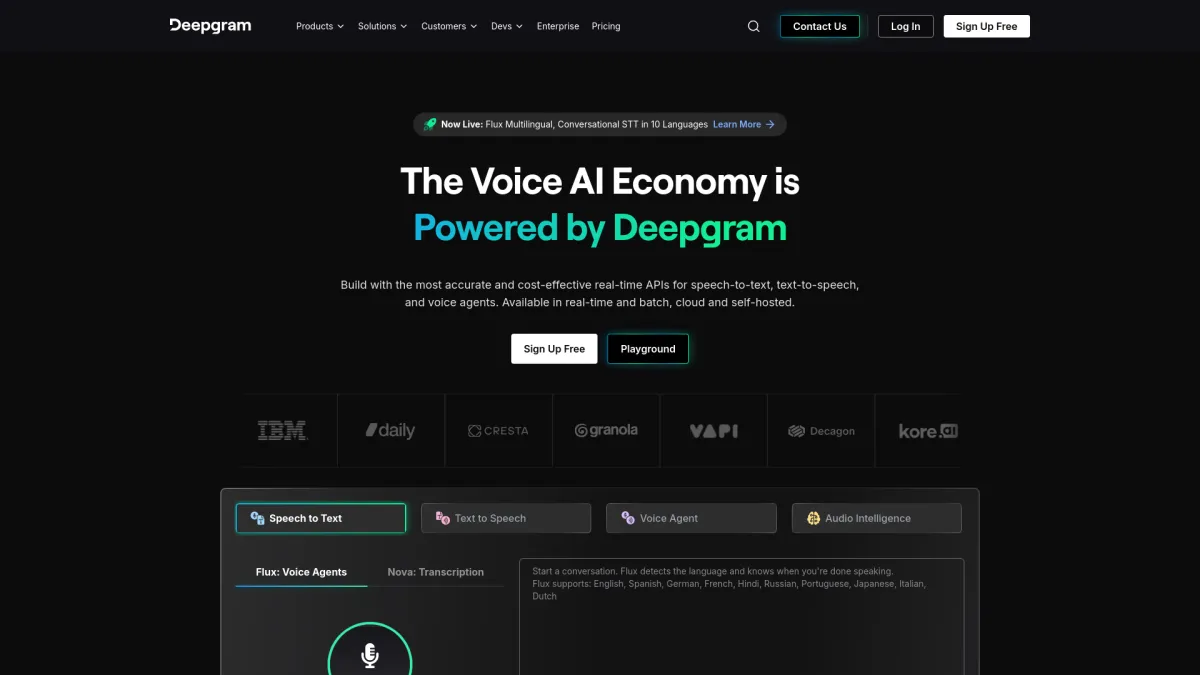
Deepgram is useful when the first question is whether the transcript matches the audio. Its speech-to-text workflow lets teams compare recognition output against the recording, which is the quickest way to catch misspelled names, clipped numbers, or short phrases that got lost in transcription.[12] That is a narrow use case, but it is the one that usually comes first when a call summary looks wrong.
For observability, that gives Deepgram a clear role: transcript verification and audio review. It does not replace call logs, routing data, or traces, but it is relevant when ASR quality is the main debugging layer and the team wants to inspect what the model actually heard.
Pros
- Useful for transcript review against audio.
- Good first check when ASR quality is the issue.
Cons
- Limited for full production observability.
- Does not replace routing logs or issue tracking.
LiveKit
LiveKit makes sense when teams are building a custom real-time voice system and want control over the media stack. That flexibility is the appeal. It also means observability depends more on how the team assembles logs, traces, and monitoring around LiveKit's core infrastructure.
For production voice agents, that can be a good trade if the team already has strong backend instrumentation and wants to own more of the stack. It is a weaker fit if the goal is an out-of-the-box console for turn-by-turn call inspection.
Pros
- Good for teams that want control over real-time media handling.
- Fits custom systems with their own instrumentation.
Cons
- Observability is more assembled than packaged.
- Less immediate for teams that want ready-made replay and alerting.
Bluejay
Bluejay approaches observability from the testing side. The company — a YC Spring 2025 startup of about seven people in San Francisco, with a $4M seed led by Floodgate — pre-tests voice and chat agents by running simulated conversations with “digital humans,” AI test personas the vendor says cover 500+ real-world variables such as accents, dozens of languages, background noise, and emotional states.[13][16] An official GitHub Actions integration gates CI/CD on those simulation scores, failing the pipeline when an agent drops below a threshold (the default minimum is 80 out of 100) — treating agent quality, in the company's framing, just like unit tests, but for AI agents.[15]
The production half is Skywatch, Bluejay's observability module. It ingests live calls through an Evaluate API, webhooks, or native connectors for Retell, Vapi, Bland, and ElevenLabs, stores full searchable transcripts alongside audio recordings, and captures tool-call, token, and latency data. Every conversation is then evaluated against custom metrics plus built-in hallucination and redundancy detectors, with trend dashboards, OpenTelemetry trace support, and threshold-based real-time alerts that can notify Slack.[14] The caveats are mostly about maturity: pricing is not public and the motion is sales-led, compliance certifications are not clearly published on the site, and a replay-production-failure-as-regression-test workflow is not documented, even though transcripts and audio are stored and searchable. For AI-native engineering teams that want pre-deploy simulation and production call evals in one place, though, the combination is hard to find elsewhere in this group.
Pros
- Simulation testing and production observability live in one platform.
- GitHub Actions integration gates deployments on simulation scores.
- Every production conversation is evaluated, with hallucination and redundancy detectors built in.
Cons
- No public pricing or self-serve tier; the company is young (founded 2025, roughly seven people).
- Compliance certifications are not clearly published, so regulated buyers must verify directly.
- A documented replay-to-regression-test workflow is missing, and there is no published concurrent-simulation scale number.
Future AGI
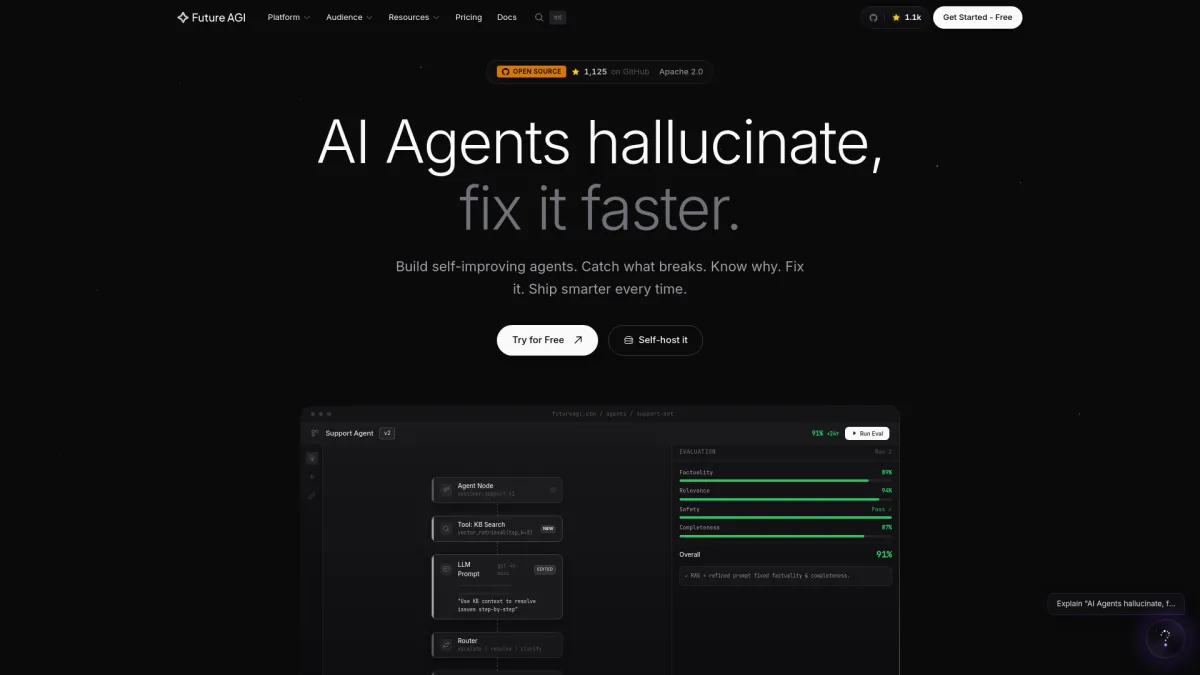
Future AGI is most relevant where evals and experimentation sit next to production monitoring. For teams that already capture call data, an eval-oriented layer can help compare prompts, flows, or agent behavior across versions. That kind of setup is useful when the question moves from what failed to which variant behaved better across a set of calls.
Compared with the others here, Future AGI is more about measuring changes than watching live calls. It fits best after a team already has logs, transcripts, or traces somewhere else and wants a cleaner way to run comparisons over them. That puts it closer to a companion layer than a primary observability console.
Pros
- Useful for experimentation and evaluation workflows.
- Can sit alongside production observability.
Cons
- Not a full call-debugging stack on its own.
- Better as a companion tool than the main console.
Which Platform Makes Sense For Your Team
For code-first teams that want observability to live inside the same workflow as deployment, VoiceRun is the most direct fit among the products here. Its sessions, traces, recordings, transcripts, and turn-latency metrics line up with the way production debugging usually happens.
If the main need is catching regressions before they pile up, Vapi is the cleaner fit. Its monitors, triggers, and issues model makes alerting feel like part of the product, not an afterthought.
Bland is the strongest option for teams that spend a lot of time on call-by-call triage. Bluejay stands out when pre-launch simulation testing and CI gating matter as much as watching production calls. Deepgram fits only when transcript quality is the first thing under review. Twilio belongs lower in the stack for telephony and media checks, and LiveKit is for teams that want to assemble their own observability layer around custom infrastructure. For most production agent teams, the decision comes down to whether they want a full debugging workflow or just better visibility around one layer of the call.
Frequently Asked Questions
What is voice observability for production agents?
It is the ability to inspect live and historical calls with logs, transcripts, recordings, traces, timing data, and alerts so failures can be traced back to a specific turn or component.
Do I need both call logs and traces?
Usually, yes. Call logs show what happened in the conversation. Traces help show why it happened, especially when the agent calls tools, branches between paths, or waits on external services.
Is recording calls enough for debugging?
No. Recording helps, but it does not show routing decisions, tool failures, or latency breakdowns. Most production teams need transcript playback, metadata, and some form of trace or turn log.
Which platform is best if I mainly need alerts?
Vapi is the clearest fit in this group because its monitoring flow is built around monitors, triggers, issues, and notifiers.
Which platform is best if I want replay and triage?
Bland is the most direct option here because its docs emphasize call logs, replay, and Norm for root-cause analysis.
Why does turn-level latency matter?
It helps separate speech recognition delay, model delay, TTS startup, and tool-call time. Without that breakdown, a call can feel slow even when the root cause is only one step in the chain.
References
- VoiceRun Platform. https://voicerun.com/platform/
- VoiceRun Docs — Observability Overview. https://docs.voicerun.com/observability/overview/index.html
- VoiceRun Docs — Latency Metrics. https://voicerun.com/docs/latency-metrics/index.html
- VoiceRun Pricing. https://voicerun.com/pricing/
- Vapi Docs — Monitoring Quickstart. https://docs.vapi.ai/observability/monitoring-quickstart
- Vapi Docs — Data Flow. https://docs.vapi.ai/security-and-privacy/data-flow
- Vapi Docs — Langfuse Integration. https://docs.vapi.ai/providers/observability/langfuse
- Bland AI Docs — Call Logs. https://docs.bland.ai/tutorials/call-logs
- Bland AI Docs — Norm. https://docs.bland.ai/tutorials/norm
- Retell AI Docs. https://docs.retellai.com/
- Twilio Docs — Voice Insights. https://www.twilio.com/docs/voice/insights
- Deepgram. https://deepgram.com/
- Bluejay — Test, monitor, and improve voice and chat AI agents. https://getbluejay.ai/
- Bluejay Docs — Production Observability Overview. https://docs.getbluejay.ai/monitor/observability/overview.md
- Bluejay Docs — GitHub Actions CI Integration. https://docs.getbluejay.ai/cookbook/github-actions.md
- Y Combinator — Bluejay company profile. https://www.ycombinator.com/companies/bluejay