

Building a voice agent is easy until you try to ship one. The real problems show up in latency, turn-taking, telephony, observability, and the uncomfortable gap between a demo and a production system that has to survive real callers. I've spent more than 10 years covering this stack, and I've tested and researched the leading developer platforms with that exact production lens: what it takes to build, deploy, measure, and keep a voice agent alive at scale.
In this comparison, I'm focusing on seven options developers actually evaluate when they need something production-ready, not just impressive in a demo. I'll break down where each platform is strongest, where it gets in your way, and which kinds of teams it fits best. If you're deciding how to build voice agents for developers that can move from prototype to production without major rewrites, this guide will show you the tradeoffs clearly.
How I Evaluated These Voice Platforms For Production Use
I looked at these platforms the way a developer team usually does after the first prototype works. That means I cared less about the first five minutes of setup and more about what happens when a call starts, a model stalls, a user interrupts, or a teammate asks for logs from last Tuesday's failed session.
I also spent time comparing the shape of each product, not just the feature list. Some platforms are full voice-agent systems. Others are closer to a model API or telephony layer that needs more stitching. That difference shows up quickly once a product has live traffic.
The main criteria were:
- Latency and turn-taking
- Telephony and transport support
- Observability and debugging tools
- Deployment options, including self-hosting
- Pricing structure and how predictable it is
For context, the category usually follows the same pipeline: speech-to-text, model reasoning, and text-to-speech, or a direct speech-to-speech route with transport and interruption handling layered on top[1]. The useful question is which platform gives a team the least friction around that stack without forcing one deployment model or one provider.
Comparison Table At A Glance
| Platform | Latency / transport | Telephony | Observability | Deployment | Pricing model |
|---|---|---|---|---|---|
| VoiceRun | Rust-based runtime, WebSocket/WebRTC and SIP connectors, per-turn latency metrics | Managed numbers or BYO (Twilio, Telnyx, Infobip); SIP Trunking included | Traces, recordings, evals, simulations, custom metrics | Serverless cloud, customer VPC, dedicated enterprise deployments | $0.030/min full platform ($0.015/min per runtime) + provider pass-through or BYO keys |
| OpenAI Realtime API | WebRTC, WebSocket, SIP, speech-to-speech | SIP supported | Basic platform logs and SDK tooling | Hosted API | Token-based |
| Deepgram Voice Agent API | WebSocket pipeline, published ~425 ms round-trip in one path | Telephony and browser support | Built-in orchestration and traces | Hosted, Kubernetes, self-hosted | Hourly / BYOM options |
| Vapi | Low-latency voice agent stack | Strong phone-call support | Agent tooling and call controls | Hosted platform | Usage-based, enterprise tiers |
| ElevenLabs Agents | Voice and agent stack with workflow tools | Voice and web use cases | Analytics, monitoring, evals | Hosted APIs and SDKs | Minute- and message-based |
| Twilio Voice | Telephony substrate | PSTN, routing, media streams | Telephony logs and call control | Cloud telephony | Per-minute telephony pricing |
| Amazon Lex | AWS conversational layer | AWS-native integrations | AWS tooling | AWS-managed | Usage-based AWS pricing |
VoiceRun
VoiceRun is built around a code-first workflow, which is the part that matters if a team wants to treat voice behavior like software instead of a configuration exercise. The CLI, vr, handles project creation, testing, deployment, simulations, evaluators, webhooks, observability, custom metrics, A/B experiments, and usage reporting in one flow[2]. In practice, that means one team can keep agent logic in Python, run simulations before release, and route traffic through entrypoints without switching tools.
The agent model is event-driven. Developers write Python functions that respond to events such as StartEvent, TextEvent, TimeoutEvent, and StopEvent, then emit outputs like TextToSpeechEvent, AudioEvent, and TransferSessionEvent[3]. That design is fairly direct, which helps when a call needs explicit handling for silence, interruptions, or transfers.
VoiceRun also gives teams choices on the infrastructure side. Rather than selling its own models, it orchestrates across 9 STT models and 13 TTS providers behind a single integration, so swapping a provider is a configuration change, not a code change. Telephony can be managed numbers purchased from VoiceRun or bring-your-own through Twilio, Telnyx, or Infobip, and SIP Trunking (direct from a PBX or CCaaS platform) is included with the Audio Runtime[4]. On deployment, teams can use its serverless cloud, run in their own VPC, or get dedicated deployments at the enterprise tier. Pricing is public and modular: $0.015/min for the Audio Runtime and $0.015/min for the Agent Runtime, so $0.030/min for the full platform, plus provider costs passed through at published rates. Teams can also bring their own provider keys and pay providers directly, and volume discounts take the full platform down to a $0.015/min floor[5].
Pros
- Code-first workflow fits teams that want Git, CI, and terminal-based deployment.
- Simulations, evals, and custom metrics are built into the workflow.
- Deployment options cover serverless cloud, customer VPC, and dedicated enterprise deployments.
- Telephony can be managed or customer-owned, and SIP Trunking comes with the Audio Runtime.
- Line-item pricing separates platform fees from provider pass-through, with BYO keys supported.
Cons
- The product is opinionated around its own CLI and event model, and there is no no-code builder for non-engineers.
- Public material is lighter on customer case studies than some larger vendors.
- The enterprise tier is a sales-led managed service, an all-in $0.05 to $0.07/min on annual commits rather than self-serve pricing.
OpenAI Realtime API
OpenAI's Realtime API is the cleanest fit for teams that want direct control over low-latency speech-to-speech interaction. It supports WebRTC, WebSocket, and SIP, and OpenAI describes it as a low-latency multimodal API for audio, text, and images[6]. The appeal is that speech can move through the session without a separate STT and TTS stack if the team does not want one.
OpenAI also documents default voice activity detection for turn handling, which removes some of the plumbing teams usually write by hand in early prototypes[7]. Pricing is token-based, with gpt-realtime listed at $4.00 per 1M input tokens and $16.00 per 1M output tokens, while gpt-realtime-mini is far cheaper at $0.60 input and $2.40 output[8]. That pricing model can be easier to reason about for model-heavy applications, but less familiar for teams used to minute-based voice billing.
The main tradeoff is that OpenAI gives you the model and realtime transport, but not a full voice-agent product with built-in telephony and operational controls. Teams that want a tighter wrapper around call handling, observability, or infrastructure usually need to assemble more of the stack themselves.
Pros
- Direct speech-to-speech path with low-latency transports.
- WebRTC, WebSocket, and SIP are all supported.
- Token pricing can be straightforward for model-centric products.
- Good fit for browser-first experiences.
Cons
- You still need to build much of the agent and call orchestration layer.
- Telephony and operations are not bundled into a single voice-agent product.
- Token pricing is less intuitive for teams comparing against minute-based vendors.
Deepgram Voice Agent API
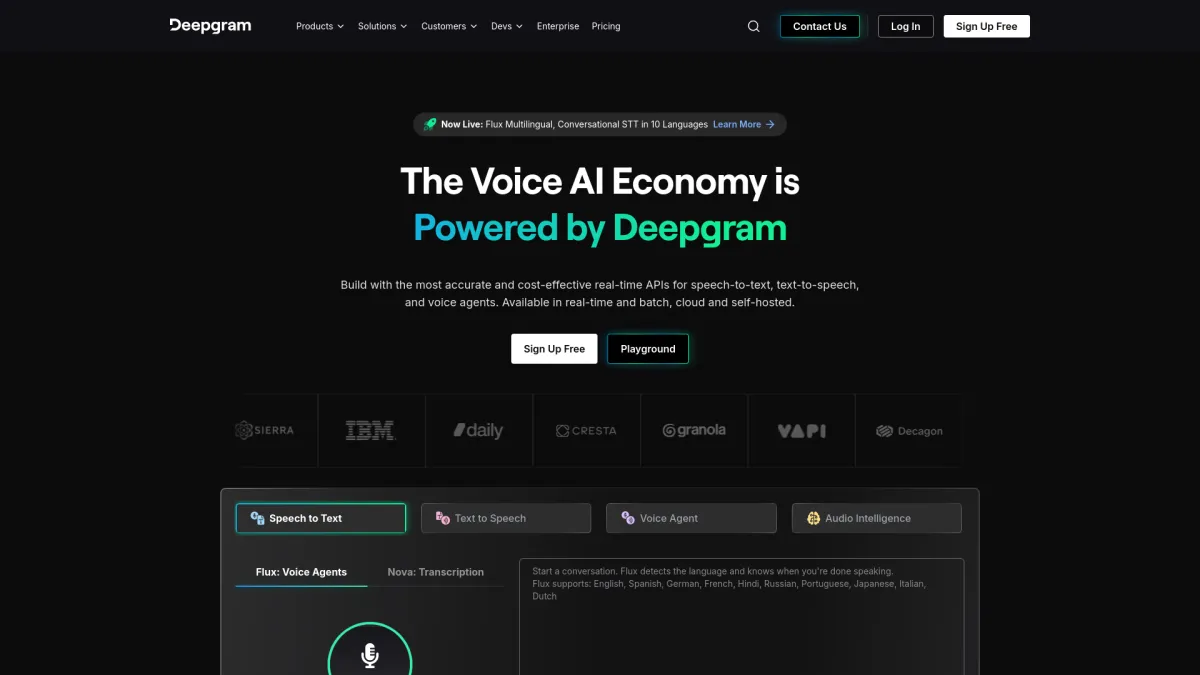
Deepgram's Voice Agent API sits closer to a full orchestration layer. It bundles STT, LLM, and TTS into a single WebSocket-based pipeline, and it supports function calling, multi-agent architectures, telephony, browser agents, and self-hosted Kubernetes deployment[1]. That makes it a practical option for teams that want more control than a pure API layer but less assembly than a from-scratch build.
One detail I found useful is the self-hosted path. Deepgram documents deployment on AWS EKS, GKE, or self-managed Kubernetes, with GPU nodes for engine workloads in the self-hosted setup[9]. For teams with compliance or network constraints, that matters more than marketing copy usually does.
Deepgram also publishes a concrete latency figure in one Genesys integration path: about 425 ms round-trip latency for the combined STT, LLM, and TTS pipeline[10]. Its pricing page lists a flat rate of $4.50 per hour for the full stack, with lower rates if the team brings its own model. That is a different way of packaging the product than per-minute voice-agent pricing, and it will suit some procurement setups better than others.
Pros
- Single pipeline for STT, LLM, and TTS.
- Self-hosting options on Kubernetes are documented.
- Published latency and hourly pricing make it easier to model costs.
- Works for browser, telephony, and multi-agent setups.
Cons
- Hourly pricing may be harder to compare against minute-based products.
- Self-hosted deployment adds infrastructure work.
- The product is still closer to orchestration than a fully opinionated app layer.
Vapi
Vapi is the most straightforward of the developer-focused voice-agent platforms if the goal is to assemble calls quickly and keep moving. Its docs describe it as a developer platform for voice AI agents with inbound and outbound phone calls and web integration[11]. The basic architecture is familiar enough: STT, LLM, and TTS combined into one voice stack.
The pricing page is clear. The Build plan is usage-based with 60+ minutes included, and concurrency costs $10 per line per month. The Scale plan is annual contract pricing with enterprise features such as SOC 2, HIPAA, PCI, SSO, RBAC, data residency, support SLA, and a dedicated account team. HIPAA is listed as a $2K/month add-on, and Zero Data Retention as $1K/month[12]. That level of packaging helps teams estimate what it will take to move from pilot to production.
Vapi's own FAQ claims low latency and reliability, but that is still a vendor claim. The more useful point is that the product is tuned for fast assembly and telephony-heavy use cases. For teams that want a voice-agent layer with fewer moving parts than a custom build, that can be enough.
Pros
- Fast to assemble for phone and web voice agents.
- Enterprise packaging is clear.
- Concurrency and add-on pricing are easy to find.
- Useful for teams that want a managed voice-agent layer.
Cons
- Less control than a self-hosted or code-first stack.
- Enterprise features sit behind higher-tier plans.
- Pricing still depends on usage, concurrency, and add-ons.
ElevenLabs Agents
ElevenLabs started with voice quality, and that background still shapes how the Agents product feels. The company now combines TTS, STT, voice cloning, conversational agents, and generative audio through REST APIs and SDKs[13]. For teams that care about how the agent sounds, that matters as much as turn-taking.
The Agents docs include workflows, system prompts, model selection, interruption handling, timeouts, 5,000+ voices across 31 languages, knowledge base support, tools, personalization, and authentication[14]. Monitoring, evals, and analytics are also part of the product. Pricing is public too, with voice-only plans ranging from Free at 15 minutes to Business at $1,320 for 13,750 minutes, plus per-extra-minute charges[15].
The tradeoff is simple. ElevenLabs is a strong fit when voice quality and branded speech matter, but teams building complex telephony systems may still need other infrastructure around it. It is closer to a voice and agent platform than a complete call stack.
Pros
- Strong voice quality and cloning options.
- Broad voice catalog and language support.
- Workflow and analytics features are already in the product.
- Public pricing is easy to inspect.
Cons
- Some teams will still need separate telephony infrastructure.
- Costs can climb quickly on higher-volume plans.
- Best fit is stronger for voice experience than for call-center plumbing.
Twilio Voice
Twilio Voice is the telephony layer many teams end up using somewhere in the stack. Its U.S. pricing page lists local outbound calls at $0.0140 per minute and inbound at $0.0085 per minute[16]. That is useful because Twilio is usually not the “brain” of the agent. It is the infrastructure for call control, routing, media streams, and PSTN connectivity.
Twilio's developer hub documents integration with OpenAI's Realtime API through Media Streams, which is the kind of setup many teams use when they want to keep telephony separate from model orchestration[17]. In practice, that makes Twilio a common base layer for custom voice stacks rather than a complete voice-agent product on its own.
Pros
- Strong telephony coverage and call routing.
- Clear PSTN pricing.
- Works well as the call infrastructure for custom stacks.
- Broad developer ecosystem.
Cons
- It is not a full voice-agent platform by itself.
- Agent logic, observability, and model orchestration are left to the builder.
- Costs are easy to underestimate if the rest of the stack is split across vendors.
Amazon Lex
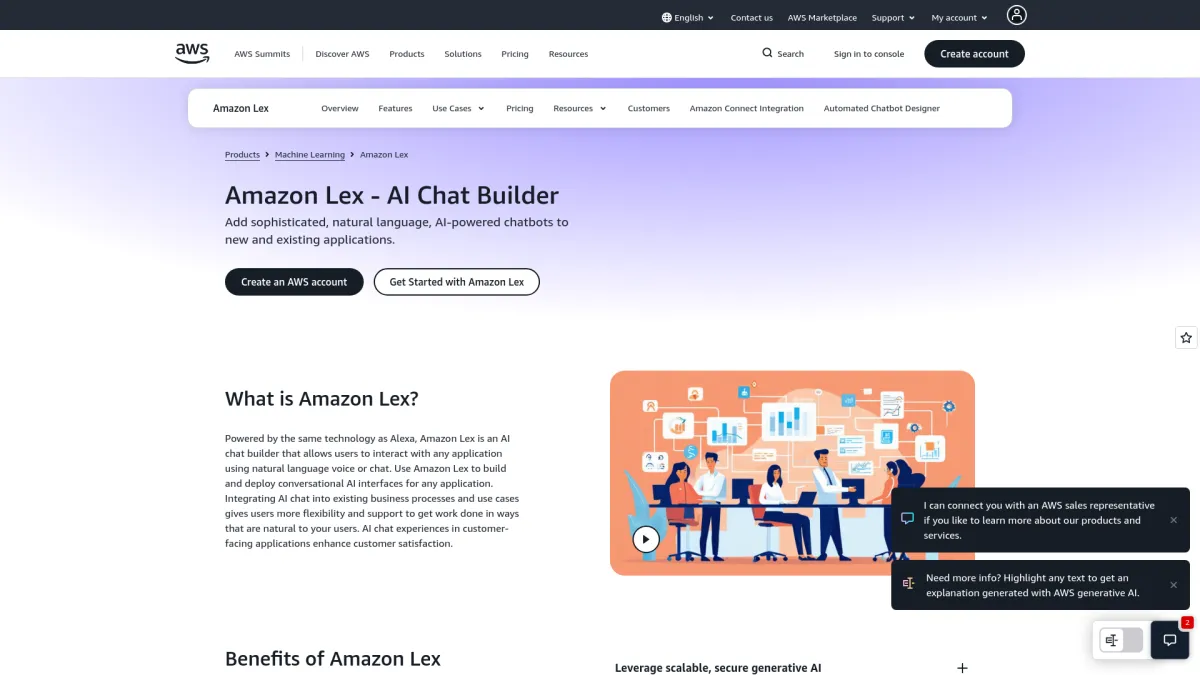
Amazon Lex makes sense when the rest of the stack already lives in AWS. It is AWS's conversational interface service for voice and text, and AWS documents it alongside contact-center workflows and SDK-based integrations[18]. In practice, that means teams can keep conversational logic inside AWS tooling instead of stitching together a separate assistant service.
A concrete detail from the Lex docs: the service uses intents and slots, and AWS explicitly documents slot types and fulfillment flows for voice bots. That structure is useful for call flows where a caller has to answer a fixed set of questions before the system can hand the task off or complete it[18]. It is a different shape from a free-form realtime agent, and that matters when the workflow is mostly scripted.
It also fits better than a generic chatbot tool in voice-heavy environments because AWS treats it as part of a broader speech and contact-center stack. That matters for teams that already use Amazon Connect, IAM, and other AWS services, since the operational overhead stays inside one vendor boundary.
Pros
- Good fit for AWS-native teams.
- Works for voice and text conversational interfaces.
- Easier to keep inside existing AWS governance.
Cons
- Less flexible than more specialized voice-agent platforms.
- Usually needs adjacent AWS services to complete the stack.
- Better for AWS alignment than for rapid cross-platform prototyping.
How To Choose The Right Platform For Your Stack
The first question is whether the team wants a platform or a set of components.
If the answer is a full platform with code ownership, simulations, deployment controls, and infrastructure flexibility, VoiceRun and Deepgram are the most direct fits. VoiceRun leans hard into code-first development, testing, and deployment. Deepgram leans into orchestration across STT, LLM, and TTS with a self-hosted option.
If the team wants to build directly on a speech model and keep the rest custom, OpenAI Realtime API is the cleanest path. It works well for browser voice agents and for teams that already have engineering bandwidth to handle telephony, logging, and production controls.
If the team wants to assemble something quickly with telephony included, Vapi is a practical middle ground. If voice quality and voice branding matter most, ElevenLabs is easier to justify. If the problem is telephony infrastructure rather than the agent itself, Twilio is the obvious substrate. If the stack is already AWS-first, Lex fits that environment without forcing a new operational model.
For most production teams, the deciding factors are not abstract. They come down to four questions:
- Can the platform handle real call volume without brittle workarounds?
- Can the team inspect failures after the call ends?
- Can deployment stay inside the required network or compliance boundary?
- Does pricing stay legible once minutes, tokens, telephony, and storage are all counted together?
That is usually where the shortlist gets made.
Frequently Asked Questions
What matters most when comparing voice agent platforms?
Latency, telephony support, and whether call failures are easy to inspect later.
Why does pricing look so different across vendors?
Some bill by tokens, some by minutes, some by runtime hours, and some split usage from enterprise add-ons. The other split is whether provider costs are bundled into one rate or passed through separately at published rates, as VoiceRun does.
What should production teams check before choosing a platform?
Deployment options, call recording and logs, and whether the vendor supports the compliance boundary the team actually needs.
Where does Amazon Lex fit?
It fits best in AWS-native stacks that already use Connect, IAM, and other Amazon services.
References
- Voice agent architecture
- VoiceRun CLI docs
- VoiceRun agent overview
- VoiceRun platform
- VoiceRun pricing
- OpenAI Realtime API
- Realtime conversations
- OpenAI pricing
- Deepgram deploy guide
- Deepgram Genesys integration
- Vapi docs
- Vapi pricing
- ElevenLabs docs
- ElevenLabs conversational AI docs
- ElevenLabs pricing
- Twilio pricing
- Twilio Voice developer hub
- Amazon Lex docs