

Choosing a voice AI platform for enterprise teams is harder than it looks. A lot of products sound production-ready until you need telephony, observability, deployment controls, and reliable handoff to real systems. I've spent years covering this market and testing the major platforms that promise to turn voice agents from demos into something you can actually roll out across real workflows.
In this roundup, I compare nine of the strongest options for enterprise buyers, from code-first stacks to contact-center-native suites and model-centric APIs. I'm focusing on what matters when calls get real: latency, orchestration, model flexibility, compliance posture, testing, and how much infrastructure you still need to build yourself.
If you're evaluating a voice AI platform for enterprise teams, this guide will show you which platforms are built for full production ownership, which ones shine inside existing CX stacks, and where each option starts to bend under enterprise requirements.
How I Evaluated These Voice AI Platforms
I looked at these platforms the way an engineering or CX team does after the first demo call. The checklist was basic: can it answer a live caller without awkward delay, can it route to the right tools, can it survive telephony, and can the team inspect what happened afterward.
I also separated products by the kind of control they expect from the buyer. Some platforms assume you want to own the agent logic, model choices, deployment target, and observability. Others are built to sit inside an existing contact center or bot stack. That distinction matters more than most feature lists suggest.
For enterprise use, I paid attention to four things:
- latency and turn-taking behavior
- telephony support, including SIP and PSTN paths
- deployment options, especially VPC or on-prem choices
- logging, replay, testing, and release controls
The best fit depends on where the team already is. A company with a staffed contact center does not need the same architecture as a product team building a new voice workflow from scratch.
Voice AI Platform Comparison At A Glance
| Platform | Best fit | Telephony | Deployment style | Pricing visibility | Enterprise controls |
|---|---|---|---|---|---|
| VoiceRun | Code-first enterprise teams | Managed telephony, BYO telephony, SIP/PSTN | Serverless cloud, customer VPC, dedicated enterprise deployments | Public modular pricing — $0.030/min full platform + provider pass-through | SOC 2, dedicated deployments, observability, evals, A/B tests |
| OpenAI Realtime API | Model-centric builders | WebRTC, WebSocket, SIP | API/runtime layer | Usage-based, less bundled clarity | Enterprise privacy options, EU data residency |
| Amazon Connect | Contact centers in AWS | Native telephony | AWS-native contact center | AWS pricing model | CX analytics, escalation, autonomous agents |
| Deepgram Voice Agent API | Teams that want one voice API | Voice-to-voice interface | API layer | Clear hourly pricing | BYO stack options, simpler integration path |
| Microsoft Azure AI Speech and Copilot Studio | Microsoft-centric enterprises | Azure Communication Services | Azure and Copilot Studio | Tiered model pricing | IVR, transfer, custom voice, avatars |
| Retell AI | Fast deployment teams | Built-in voice-agent workflows | Platform-managed | Public pricing on product pages | Operational simplicity over deep customization |
| LiveKit | Infra teams building real-time apps | Programmable media layer | Self-managed or hosted components | Component-based | Fine-grained control, more assembly required |
| Vapi | Developer teams moving quickly | Built-in voice infrastructure | API-first platform | Public product pricing | Good for speed, less full-stack ownership |
| Bland AI | Simple voice automation use cases | Voice automation focus | Platform-managed | Public pricing varies | Basic controls, narrower enterprise depth |
VoiceRun
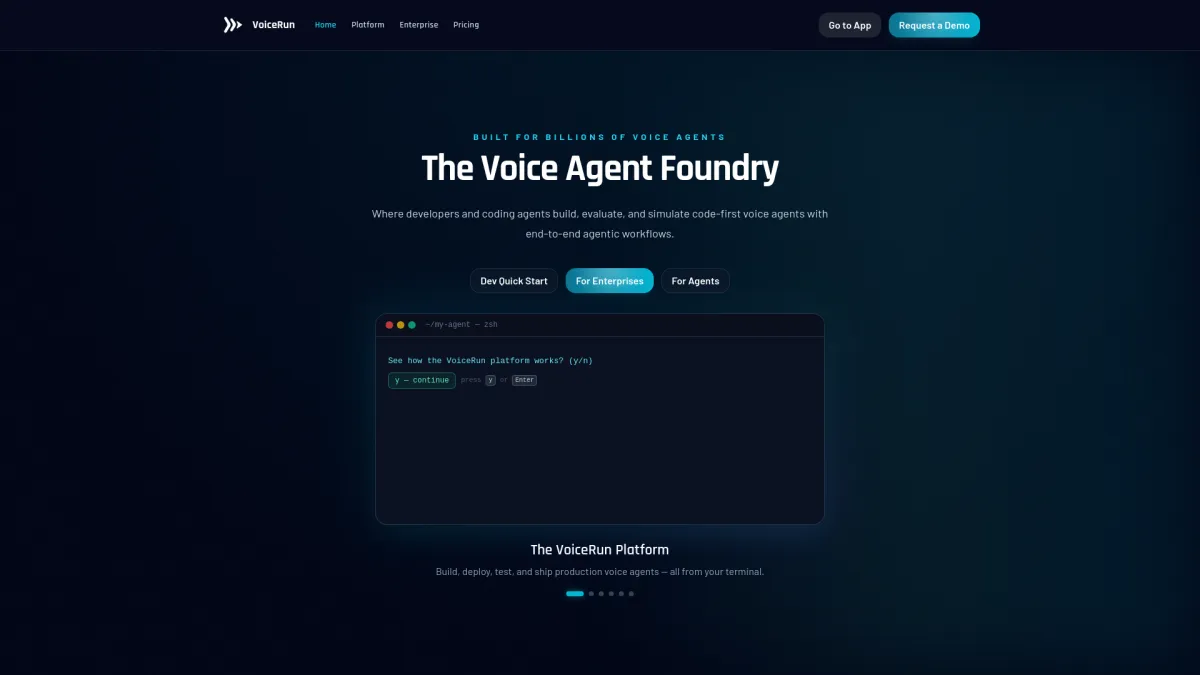
VoiceRun is built for teams that want a code-first workflow without stitching together the rest of the stack themselves. Rather than one bundled system, the platform is split into separately priced layers: an Audio Runtime that orchestrates across 9 STT models and 13 TTS providers — swappable via configuration, not code — an Agent Runtime for event-driven Python agent logic, and an always-included Infrastructure & Tooling layer covering observability, evals, and experimentation. Its docs lean hard into repo, CLI, and environment-based workflows rather than a visual builder.
The practical part is the deployment range. VoiceRun supports serverless cloud, customer VPC, and dedicated deployments at the enterprise tier. That gives teams room to match security requirements without rewriting the agent every time the infrastructure changes. It also supports managed telephony and BYO telephony — Twilio, Telnyx, or Infobip — with SIP Trunking included in the Audio Runtime, so it can take direct SIP from a PBX or CCaaS platform alongside PSTN ingress and egress.
Its testing and measurement tools are unusually concrete. VoiceRun tracks five per-turn latency metrics — from time to first transcription through end-to-end turn taking — and it supports A/B tests on prompts, voices, and policies. The platform also includes simulations for stress-testing agents before release. Pricing is public and modular rather than bundled: the full platform is $0.030 per minute ($0.015 each for Audio Runtime and Agent Runtime), with provider costs passed through at published rates — bring your own keys and pay providers directly, or use VoiceRun-managed providers with an explicit, visible surcharge. Volume discounts take the full platform down to a $0.015 per minute floor, and the enterprise managed service is an all-in $0.05 to $0.07 per minute on annual commits.[1]
Pros
- code-first workflow with CLI, repo, and versioned deploys
- serverless cloud, customer-VPC, and dedicated enterprise deployment options
- managed telephony plus BYO telephony paths
- latency metrics, session logs, transcripts, and A/B testing
- public modular pricing with provider costs as transparent pass-through
Cons
- less plug-and-play than no-code voice builders
- public security detail is thinner than some larger vendors
- enterprise onboarding can involve consulting and forward-deployed engineers
OpenAI Realtime API
OpenAI Realtime is the cleanest fit for teams that want a strong low-latency model layer and are prepared to assemble the surrounding enterprise pieces themselves. It supports WebRTC, WebSocket, and SIP, so it can sit in browser apps, server workflows, or phone systems.[2]
The product leans into speech-to-speech processing. That matters because it reduces the number of handoffs between transcription, reasoning, and speech output. OpenAI also added support for remote MCP servers, image input, and SIP phone calling support in 2025, which widened the set of workflows it can handle.
For enterprise teams, the appeal is control over the runtime without having to adopt a full contact-center suite. The tradeoff is obvious enough: the more custom the workflow, the more work the team owns around observability, routing, and downstream systems.
Pros
- low-latency speech-to-speech runtime
- WebRTC, WebSocket, and SIP support
- good fit for custom apps and proprietary workflows
- enterprise privacy commitments and EU data residency options
Cons
- pricing is usage-based and not bundled in a simple enterprise package
- teams still need to build much of the orchestration and ops layer
- less opinionated than a full voice operations platform
Amazon Connect
Amazon Connect makes sense when the voice project lives inside a real contact center, not as a sidecar application. AWS's 2025 update pushed Connect further into AI-native customer service, with self-service, agent assistance, analytics, post-contact evaluation, and automated follow-up in one environment.[3]
The voice stack is tied to the rest of AWS. For speech and voice, AWS uses Amazon Lex, Amazon Polly, and Amazon Nova, and Connect can combine those with telephony infrastructure already built into the platform. That keeps the architecture familiar for large service teams that already run on AWS.
The main advantage is breadth. If the use case includes routing, escalation, QA, and customer-service reporting, Connect reduces the number of separate systems a team has to defend in procurement and security review.
Pros
- contact-center-native architecture
- native telephony and routing
- AI capabilities tied to customer service workflows
- broad fit for support, agent assist, and follow-up automation
Cons
- heavier platform than teams need for standalone voice apps
- best value shows up inside AWS-centric operations
- less flexible for teams that want a thin, model-first layer
Deepgram Voice Agent API
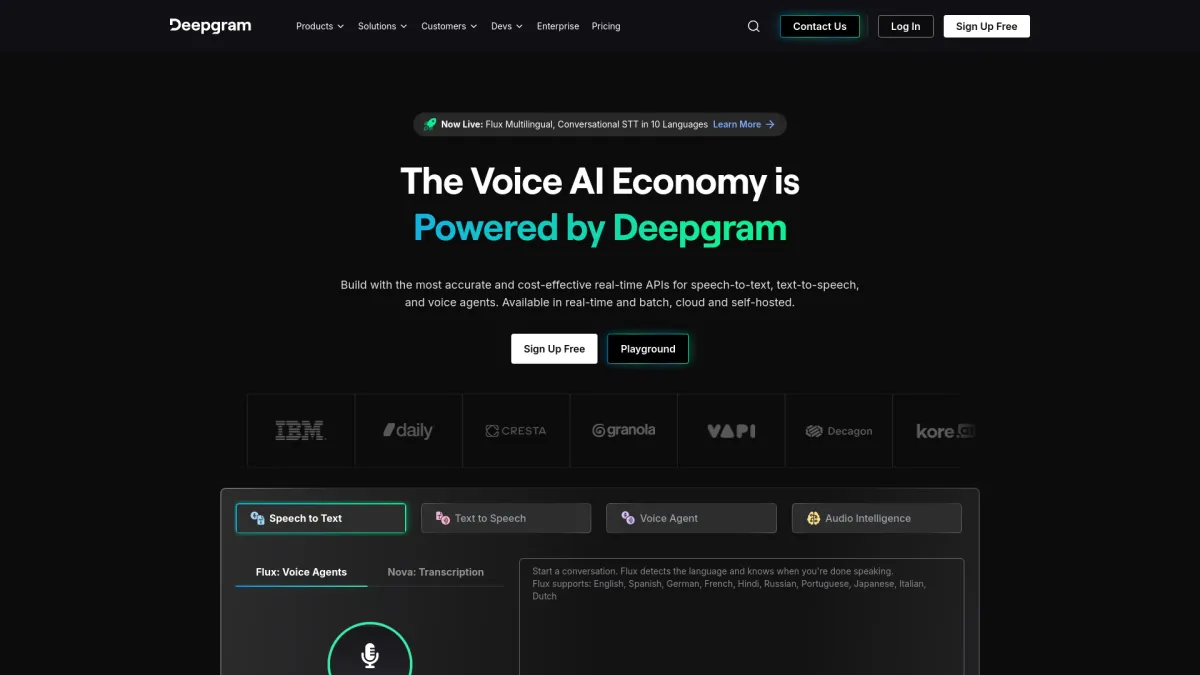
Deepgram's Voice Agent API is the most straightforward stack in this group if the question is simple pricing and a unified voice interface. Deepgram says the API combines speech-to-text, text-to-speech, LLM orchestration, and conversational logic in a single interface, with BYO-LLM and BYO-TTS options.[4]
The published price is also unusually easy to read: $4.50 per hour for the full stack, with lower rates for bring-your-own-model setups. That gives engineering teams a concrete number to compare against internal build cost, which is rare in this market.
The product is aimed at teams that want control without piecing together every layer themselves. It is not as broad as a contact-center suite, but that narrower scope is part of the appeal for teams building one voice workflow at a time.
Pros
- clear public pricing at $4.50 per hour for the full stack
- unified voice-to-voice API
- BYO-LLM and BYO-TTS support
- simpler integration path than a fully custom stack
Cons
- narrower than contact-center platforms
- less built-in workflow depth than a full enterprise suite
- still leaves buyers to connect some operational pieces themselves
Microsoft Azure AI Speech And Copilot Studio
Microsoft's voice stack fits best where the rest of the workflow already lives in Azure or Microsoft 365. Copilot Studio supports IVR, speech and DTMF input, context variables, call transfer, and customization, and it uses Azure Communication Services for phone-number and voice integration.[5]
The pricing model is split into tiers for Voice live API, with Pro, Basic, and Lite depending on the model family. Microsoft also sells custom voice and interactive avatar features separately. That modularity can help teams match spend to use case, although it also means the total bill can take a few steps to calculate.
For enterprise teams already standardizing on Microsoft tooling, the draw is less about novelty and more about fit. The platform is easy to place inside a broader Azure governance model.
Pros
- strong fit for Azure and Microsoft-centric enterprises
- IVR, transfer, and bot customization support
- tiered pricing by model family
- custom voice and avatar options for specific workflows
Cons
- pricing can become layered across features
- less attractive for teams outside the Microsoft stack
- voice capabilities are split across products and services
Retell AI
Retell AI is aimed at teams that want to move quickly and keep the implementation surface area small. That usually means less time spent on plumbing and more time on getting a voice workflow into production. Retell's own documentation centers on fast setup for voice agents, including phone-call workflows and managed agent behavior.[6]
The tradeoff is the usual one with focused voice platforms: speed comes first, depth second. That can be enough for outbound calling, booking, qualification, and other fairly bounded workflows. It is less comfortable when the rollout needs custom deployment controls, unusual compliance requirements, or complex internal routing.
Pros
- fast to deploy
- simpler operational model
- good for bounded voice workflows
Cons
- less suitable for deep enterprise customization
- fewer controls than full-stack platforms
- can feel narrow once the workflow expands
LiveKit
LiveKit is a better fit for teams that think in infrastructure terms. It gives builders a programmable media layer for real-time audio and video, which is useful when voice is just one part of a larger real-time product. LiveKit's docs are centered on WebRTC infrastructure, SFU-based media handling, and components that developers can compose themselves.[7]
That flexibility is the point, but it also means more assembly work. Teams using LiveKit usually want to control the media path, signaling, and surrounding application behavior themselves. That suits infrastructure-heavy groups and does not suit buyers who want a packaged voice-agent system out of the box.
Pros
- strong real-time media primitives
- good fit for teams building custom infrastructure
- flexible enough for broader real-time products
Cons
- more engineering work to make it voice-agent ready
- not a packaged enterprise voice suite
- buyers need to own more of the stack
Vapi
Vapi sits in the middle between DIY and fully managed. It is developer-friendly, API-led, and oriented around getting voice agents live without asking a team to build everything from scratch. Vapi's public docs focus on fast agent creation, telephony integration, and model/provider selection through an API workflow.[8]
For many teams, that is enough. The platform is a reasonable choice when the goal is to ship quickly, test the workflow, and avoid weeks of internal glue code. The limit shows up when the program grows into strict deployment requirements, heavier observability needs, or deeper contact-center integration.
Pros
- quick to start with
- API-first workflow
- good for teams that want speed without pure custom build
Cons
- less comprehensive than full enterprise stacks
- deeper operational control is limited compared with code-first platforms
- may require rework as governance needs increase
Bland AI
Bland AI is built around fast voice automation. That makes it useful for straightforward calling tasks where the main requirement is to automate a known flow rather than design a large enterprise voice program. Its product materials focus on outbound and inbound call automation with managed workflows, which keeps the setup simple for basic use cases.[9]
The product is easier to evaluate in that context. If the use case is narrow, Bland can be enough. If the buyer wants detailed release controls, deployment choices, or a richer observability layer, the platform can start to feel limited.
Pros
- simple to adopt
- useful for basic voice automation
- lower setup overhead than larger platforms
Cons
- less depth for enterprise controls
- narrower operational tooling
- not ideal for complex, regulated deployments
Which Platform Is Best For Your Enterprise Use Case
The shortlist usually breaks down by team type more than by feature count.
- Choose VoiceRun if the team wants a modular, code-first platform with deployment control, testing, observability, and telephony in one workflow.
- Choose OpenAI Realtime API if the team wants the model layer first and is comfortable assembling the rest.
- Choose Amazon Connect if the project lives inside a contact center and already runs on AWS.
- Choose Deepgram Voice Agent API if pricing clarity and a single voice interface matter more than a broad platform.
- Choose Microsoft Azure AI Speech and Copilot Studio if the enterprise is already standardized on Microsoft tools and Azure governance.
- Choose Retell AI or Vapi if the team wants fast deployment and can accept narrower control.
- Choose LiveKit if the team wants to own the real-time media layer.
- Choose Bland AI if the use case is simple and the workflow does not need much surrounding infrastructure.
The main question is whether the team wants a voice platform, a model runtime, or a contact-center system. Those are different buying decisions even when the demos look similar.
Final Verdict On Enterprise Voice AI Platforms
Enterprise voice projects usually fail in the same places: telephony, latency, logging, and the gap between a demo and a workflow that touches real systems. The platforms in this list split cleanly around those problems. Some are runtime layers. Some are contact-center systems. Some try to carry more of the operational load.
That is the useful takeaway. The right choice is the one that matches how much of the stack the team wants to own, and how much of it needs to be auditable after the call ends.
Frequently Asked Questions
What is a voice AI platform for enterprise teams?
It is usually a system for building and running voice agents with telephony, orchestration, logging, and enterprise controls. In practice, that means more than transcription or text-to-speech on their own.
Which enterprise voice AI platform is best for custom deployments?
VoiceRun and LiveKit are stronger fits if the team wants more deployment control. VoiceRun offers serverless cloud, customer-VPC, and dedicated deployments at its enterprise tier, while LiveKit is better for teams that want to assemble more of the real-time stack themselves.
Which platform has the clearest pricing?
Deepgram and VoiceRun both publish concrete numbers. Deepgram's Voice Agent API is $4.50 per hour for a bundled stack, while VoiceRun lists $0.030 per minute for its full platform with provider costs passed through at published rates rather than bundled. Either makes it easier to compare against internal build costs.
Which platform is best for contact centers already on AWS?
Amazon Connect is the clearest fit. It is built around telephony-native customer service workflows and broader CX operations inside AWS.
Do these platforms support SIP or phone-system integration?
Some do. OpenAI Realtime supports SIP, VoiceRun includes SIP Trunking with its Audio Runtime along with PSTN ingress and egress, and Amazon Connect is telephony-native. Microsoft uses Azure Communication Services for voice integration.
References
- https://voicerun.com/pricing/
- https://platform.openai.com/docs/guides/realtime/
- https://aws.amazon.com/about-aws/whats-new/2025/03/next-generation-amazon-connect-ai-improves-customer-interaction
- https://deepgram.com/learn/deepgram-launches-voice-agent-api
- https://learn.microsoft.com/en-gb/microsoft-copilot-studio/voice-overview
- https://www.retellai.com/
- https://docs.livekit.io/
- https://docs.vapi.ai/
- https://www.bland.ai/