

Choosing a voice bot platform for businesses is harder than it looks. Some tools are strong on telephony but weak on orchestration. Others make the demo look easy, then get messy when you try to ship to real callers, measure latency, or hand off to a human without losing context.
I've spent more than 10 years covering conversational AI and business communications platforms, and for this roundup I compared the leading options the same way a production team would: by telephony, speech quality, call-flow control, observability, handoff, and how much engineering each platform expects. I also paid attention to the places where platforms break down once a pilot becomes a real business workflow.
The market has split into three practical layers — developer APIs, contact-center suites, and speech/model platforms — so the best choice depends on how much you want built in versus how much control you need. Here are the ten best platforms for business voice bots, where each one fits, and where each one starts to break down.
How I Evaluated These Voice Bot Platforms
The comparison is easier to use if the platforms are separated by the job they do. A contact-center suite is built around queues, routing, and agent oversight. A programmable voice API gives builders control over call handling and billing. A speech platform usually fills one layer inside a larger stack.
That matters because a polished demo can hide real production gaps. Good transcription does not help much if the platform cannot expose turn-by-turn logs, track latency, or transfer a caller cleanly to a person. I put the most weight on six things: telephony, orchestration, latency, observability, handoff, and deployment effort.
The comparison below is also meant to answer a simpler question: how much of the stack is already there, and how much does the team still need to build. That one choice usually decides whether a business ships in weeks or spends months wiring up basic call behavior.
Voice Bot Platform Comparison At A Glance
| Platform | Best fit | Main strength | Main tradeoff |
|---|---|---|---|
| VoiceRun | Code-first production voice agents | Full control over telephony, STT/TTS orchestration, and observability | Not a no-code tool |
| Twilio | Programmable voice and modular AI calling | Flexible API stack with usage-based pricing | You assemble more yourself |
| Amazon Connect | Contact-center voice bots | Native routing, IVR, and bot tooling | Best fit inside AWS-heavy teams |
| Google Cloud CCAI Platform | Managed contact-center voice workflows | Voice-channel support with SDKs | More enterprise-led onboarding |
| Microsoft Azure Voice Live API | Model-driven speech experiences | Low-latency speech stack in Azure/OpenAI ecosystem | Less of a full contact-center layer |
| Deepgram | Speech infrastructure | Fast streaming transcription | You still need the rest of the stack |
| LiveKit | Real-time voice infrastructure | WebRTC control for custom builds | Requires more integration work |
| Retell AI | Fast deployment of phone agents | Quicker path to working business calls | Less customizable than raw APIs |
| Vapi | Developer-friendly orchestration | Flexible agent assembly | Teams still need to own architecture choices |
| Bland AI | Outbound and inbound phone automation | Quick launch for calling workflows | Less suited to deep custom stacks |
VoiceRun
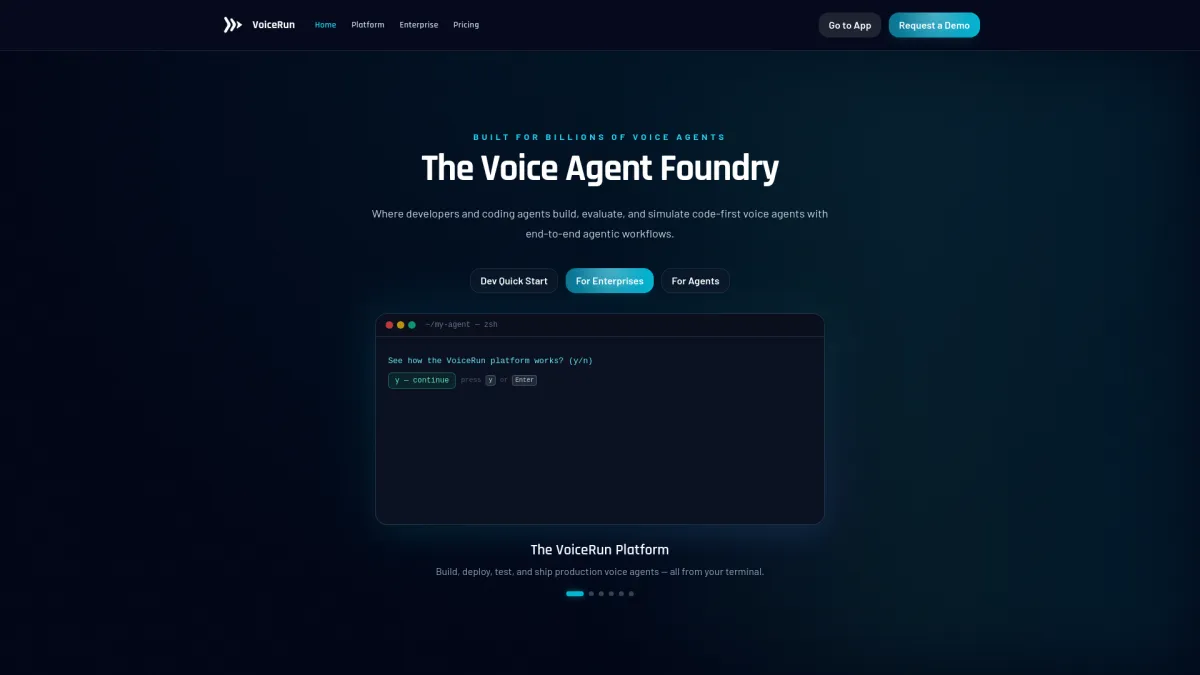
VoiceRun is aimed at teams that want a code-first control plane for production voice agents. The product is built around a full workflow, not just a single API surface. Its docs cover telephony, speech, orchestration, deployment, and latency measurement in the same system. Rather than acting as a single speech vendor, it orchestrates across 9 STT models and 13 TTS providers, so switching providers is a configuration change, not a code change. Pricing is public and modular: $0.015 per minute for the Audio Runtime, $0.015 per minute for the Agent Runtime — $0.030 per minute for the full platform — with provider costs passed through at published rates, or bring your own keys and pay providers directly[1].
The part I would pay attention to is the developer workflow. VoiceRun's CLI is terminal-based and handles scaffolding, pushing code, releasing into an org-scoped environment, and routing traffic through entrypoints. That is a different shape from the typical drag-and-drop builder. It also exposes per-turn latency metrics, including time to first transcription, time to first speech event, time to first audio, end-to-end turn taking, and function runtime. Evaluations, simulations, and A/B testing are built into the same platform rather than left as separate tooling, which is the part runtime-only frameworks usually push back onto the team.
Pros
- Combines telephony, speech, observability, and deployment in one modular stack — you pay only for the layers you use.
- Supports BYOT with Twilio, Telnyx, and Infobip, and SIP trunking is included with the Audio Runtime.
- Publishes turn-level latency metrics that are useful during tuning.
- Public pay-as-you-go pricing with no bundled provider markup — BYO provider keys or transparent pass-through.
Cons
- Less suited to teams that want a no-code builder.
- Requires real engineering work to get value from the platform.
- Public-facing materials are aimed at builders, so nontechnical buyers may need more internal support.
Twilio
Twilio is still the reference point for programmable voice. It fits teams that want to compose their own calling stack instead of buying a fixed bot interface. In U.S. pricing, local outbound voice calls are $0.0140 per minute, inbound local calls are $0.0085 per minute, local numbers are $1.15 per month, and toll-free numbers are $2.15 per month[2]. For conversational AI, Twilio's pricing adds layers such as Conversation Relay at $0.07 per minute[3]. Twilio's TTS docs also list standard voices at $0.0008 per 100 characters and neural voices at $0.0032 per 100 characters, with an extra $0.0040 charge for neural voices on the call[4].
What matters here is modularity. Twilio lets teams start with voice transport, then add transcription, analysis, or TTS as needed. That works well when the call flow is custom, the CRM logic is already built, or the company wants to keep switching costs low. It is less convenient when the team wants a prebuilt contact-center workflow.
Pros
- Clear usage-based pricing.
- Strong fit for API-first teams.
- Broad set of voice and conversational AI building blocks.
- Large scale and mature documentation.
Cons
- Requires more assembly than a managed bot platform.
- Costs can rise as AI features and analysis are layered on.
- Teams need to own orchestration and production monitoring.
Amazon Connect
Amazon Connect is the most complete contact-center option in this group. It is built for queueing, routing, agent workflows, and voice self-service in one environment. AWS says Connect combines telephony with Lex for NLU and ASR, Polly for TTS, and Nova for natural voice conversations[5]. AWS also added generative text-to-speech voices in August 2025, with 20 voices across English, French, Spanish, German, and Italian[6].
This is the right shape for companies that already run a contact center and want bot-driven IVR or self-service without stitching together separate tools. The tradeoff is that it feels closer to a contact-center system than a low-level developer API.
Pros
- Native voicebot and routing tooling.
- Good fit for IVR and customer service flows.
- Strong AWS integration for enterprise environments.
- Recent generative TTS updates add voice options.
Cons
- Best value shows up inside the AWS ecosystem.
- Less flexible than a bare API stack for custom voice logic.
- Contact-center setup can be heavier than expected.
Google Cloud CCAI Platform
Google Cloud CCAI Platform is built around managed contact-center workflows. Google's docs say the platform can create a voice-channel contact center and route live calls to support agents[7]. The SDKs also cover voice and chat on web and mobile, with features like instant web calls, scheduled calls, queue deflection, live chat, and proactive triggers.
That makes it a practical fit for teams that want a managed layer rather than a raw speech stack. In practice, it leans toward contact-center operations: an account manager provisions the environment, then the team works inside those managed workflows instead of building every call path from scratch.
Pros
- Managed voice and contact-center workflows.
- Supports voice and chat SDKs.
- Useful for queueing and agent-centered operations.
- Ongoing platform updates are documented through release notes.
Cons
- More platform-led than developer-led.
- Less direct control than API-first tools.
- Better suited to contact-center teams than lightweight voice apps.
Microsoft Azure Voice Live API
Azure's Voice live API fits teams that want model-driven voice experiences inside the Microsoft and OpenAI ecosystem. Microsoft Learn documents pricing tiers for the API, effective July 1, 2025, with Pro, Basic, and Lite levels[8]. The same documentation ties gpt-realtime and related models to the Voice live API pricing structure, and custom voice is priced separately[8].
This is the kind of stack that works when speech quality and low-latency interaction matter more than contact-center depth. It is useful for conversational experiences that sit closer to the model layer than the phone-system layer. Businesses that still need queueing, transfers, and call-center routing usually end up pairing Azure with other infrastructure.
Pros
- Good fit for speech-first builds.
- Clear link to newer model-driven voice work.
- Works well for teams already on Azure.
- Pricing is documented in a structured way.
Cons
- Not a complete contact-center platform.
- Usually needs surrounding telephony and workflow layers.
- Better for custom experiences than turnkey business calling.
Deepgram
Deepgram is mainly a speech infrastructure choice. Teams use it when streaming transcription quality and latency matter more than the surrounding product UI. That makes sense for voice bots, but only if the rest of the stack is already planned. You still need telephony, orchestration, TTS, handoff, and a place to store or inspect call data.
For product teams building their own agent layer, that can be exactly what they want. For operations teams looking for a more complete business calling product, it is usually only one piece of the stack.
Pros
- Strong speech recognition focus.
- Useful for streaming and real-time turn handling.
- Good fit for teams that want to control the rest of the system.
Cons
- Not a complete voice bot platform by itself.
- Requires additional tools for telephony and orchestration.
- Less helpful for nontechnical buyers.
LiveKit
LiveKit is a real-time communications layer that fits teams building custom conversational experiences with WebRTC control. It is useful when the voice product is closer to a live media system than a traditional call flow. A practical use case is an in-app support assistant that opens a live voice session, shares context from the user's current screen, and escalates to an agent without dropping the session.
The tradeoff is the same one that comes with most infrastructure tools. LiveKit gives teams control, but that also means more integration work. It is better for builders who already know how the rest of the agent stack will be assembled.
Pros
- Strong real-time media foundation.
- Good for custom voice experiences.
- Flexible for WebRTC-based products.
Cons
- Requires more engineering than a managed voice bot platform.
- Not aimed at contact-center buyers.
- Needs surrounding speech and orchestration layers.
Retell AI
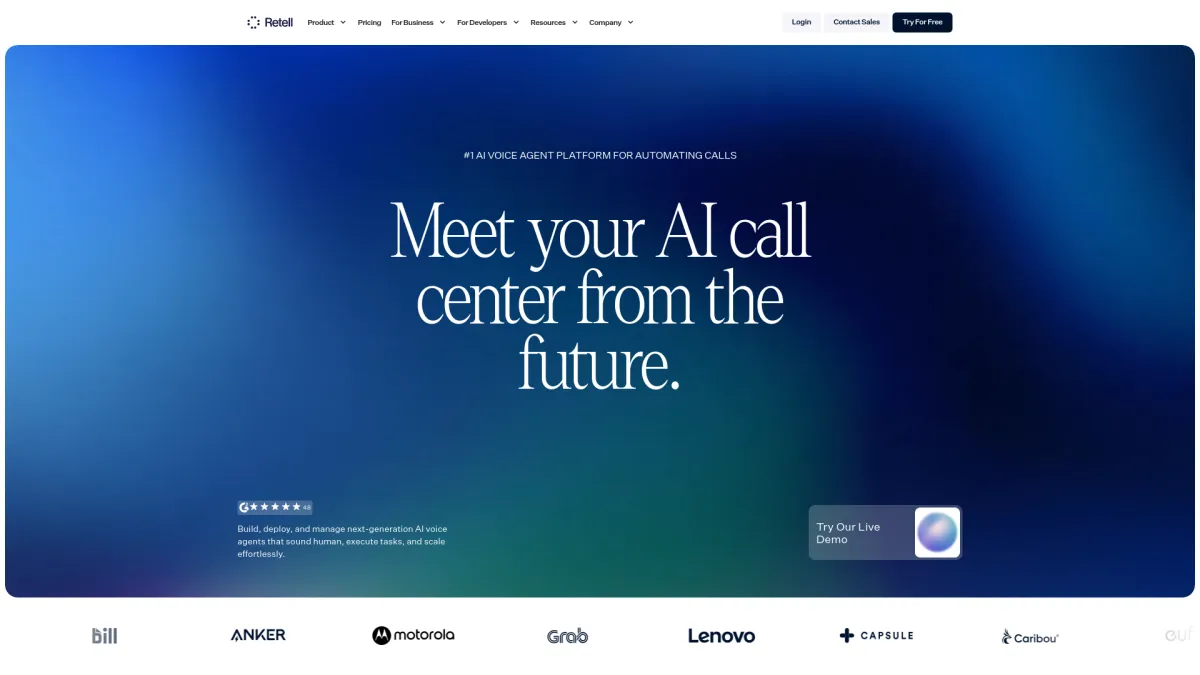
Retell AI is aimed at faster deployment of phone agents. It is the kind of platform teams reach for when the goal is to get an inbound or outbound workflow live without assembling every layer from scratch. That makes it attractive for business calls where speed matters more than deep customization.
The tradeoff is that the quicker path can come with fewer architectural choices. For some teams, that is a feature. For others, especially those with complex routing or compliance needs, it can become a limit once call volume grows.
Pros
- Fast path to deployed phone agents.
- Good for practical business call workflows.
- Lower setup burden than building from raw APIs.
Cons
- Less flexible than a full developer stack.
- May not suit complex enterprise call flows.
- Buyers give up some control for speed.
Vapi
Vapi is a developer-focused orchestration layer for voice agents. It is useful for teams that want to assemble and ship quickly, while still keeping control over the structure of the agent. In practice, that means it sits between raw infrastructure and a packaged contact-center product.
That middle position is useful, but it also means teams need to make architectural decisions early. If the call flow is simple, Vapi can move fast. If the workflow grows into a larger phone operation, teams still have to manage their own boundaries around telephony, data handling, and escalation paths.
Pros
- Flexible orchestration for developer teams.
- Faster to assemble than a fully custom stack.
- Works well for voice agent prototyping and production.
Cons
- Still requires technical ownership.
- Less complete than a contact-center suite.
- Teams need to handle their own long-term structure.
Bland AI
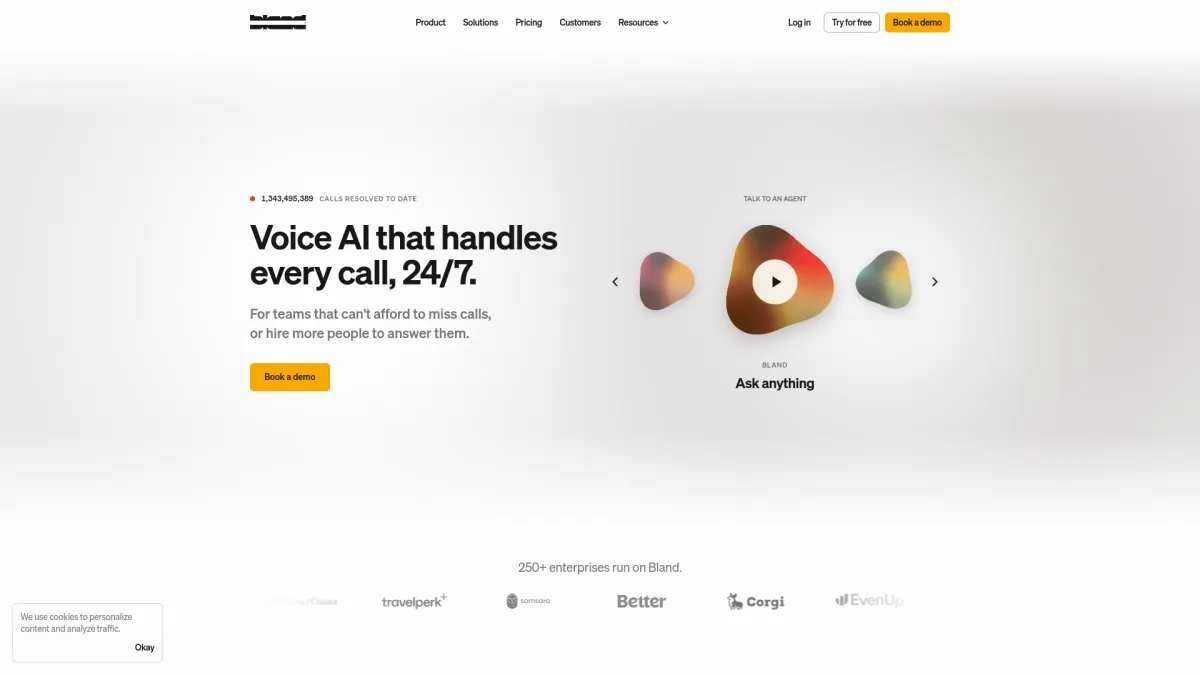
Bland AI is usually evaluated for outbound and inbound calling automation. That makes it relevant for reminder calls, lead qualification, and similar business phone workflows. For teams that care more about launching quickly than about building a deeply customized infrastructure layer, it is a straightforward option to look at.
Its limit is the same one found in many quicker-launch tools. The faster the launch path, the more likely the team will hit boundaries around customization, visibility, or specialized routing.
Pros
- Useful for business phone automation.
- Quick to test in outbound or inbound workflows.
- Lower setup effort than a custom stack.
Cons
- Less control than developer-first platforms.
- Not ideal for highly specialized call flows.
- Teams may outgrow it if they need deeper infrastructure control.
How To Choose The Right Platform For Your Use Case
The first question is whether the business wants a platform or a stack. If the answer is platform, contact-center suites like Amazon Connect or Google CCAI Platform make more sense. If the answer is stack, developer tools like VoiceRun, Twilio, LiveKit, or Deepgram are usually a better fit.
The next question is where the call starts. If it begins in an existing contact center, routing and agent handoff matter more than raw model quality. If it begins in a product or custom app, then latency, speech quality, and orchestration usually matter more than queue management.
A practical way to narrow the list:
- Choose VoiceRun if the team wants production voice agents with code-first control and turn-level visibility.
- Choose Twilio if the team wants programmable voice with usage-based building blocks.
- Choose Amazon Connect if the company already runs contact-center operations inside AWS.
- Choose Google CCAI Platform if the buyer wants managed contact-center support with voice and chat SDKs.
- Choose Azure Voice Live API if the work centers on speech-driven model interaction.
- Choose Deepgram or LiveKit if the team is building its own stack and only needs one part of it.
- Choose Retell AI, Vapi, or Bland AI if launch speed matters more than low-level control.
Final Take: The Best Platform Depends On Your Operating Model
The category looks crowded until the operating model is clear. Teams that want to own the stack usually end up with API-first or infrastructure-first tools. Teams that already run a contact center tend to do better with a suite that includes routing, handoff, and agent workflows. Teams that only need the speech layer should not pay for a heavier platform unless they actually need the extra pieces.
That is also why the best choice changes so much from one business to another. A company with one product manager and two engineers will usually make different tradeoffs than a contact-center operation with a queue, QA team, and compliance review. The platform should match the team shape, not the other way around.
Frequently Asked Questions
What are the hidden costs in voice bot platforms?
The usual ones are minutes, transcription, TTS, and analysis. A pilot can look inexpensive until real traffic starts, then the per-minute and per-character charges become the part that shapes the budget.
How should a team test voice bot latency before launch?
Measure the time from the end of the caller's speech to the first audio response. If that gap feels awkward on a live call, callers will treat the system as slow even if the transcript is accurate.
What should buyers check in a human handoff flow?
Ask how the platform passes context to a human agent, what gets logged, and whether transcripts, intents, and summaries stay attached to the call record. Weak handoff usually creates more work after escalation.
When does a contact-center suite make more sense than a developer stack?
It makes more sense when routing, queueing, and agent oversight matter more than custom call logic. If the team already runs a contact center, a suite often reduces the amount of separate tooling it has to manage.
References
- https://voicerun.com/pricing/
- https://www.twilio.com/en-us/voice/pricing/us
- https://www.twilio.com/en-us/products/conversational-ai/pricing
- https://www.twilio.com/docs/voice/twiml/say/text-speech?save_locale=en
- https://aws.amazon.com/connect/conversational-ai/
- https://aws.amazon.com/about-aws/whats-new/2025/08/amazon-connect-generative-text-to-speech-voices/
- https://docs.cloud.google.com/contact-center/ccai-platform/docs/create-contact-center
- https://learn.microsoft.com/en-us/azure/ai-services/speech-service/tutorial-voice-enable-your-bot-speech-sdk